What Is a Forex VPS? An In-Depth Trader’s Reference

Abstract:In this guide, we've journeyed from the basic definition of what is forex vps to the advanced strategies for choosing and managing one. We've seen how it functions as a dedicated, 24/7 trading machine and why its benefits - uninterrupted uptime, ultra-low latency, and enhanced security - are a game-changer for performance.
Have you ever felt that stomach-dropping fear when your internet cuts out during a live trade? Or the anger when your computer decides to update itself just as the market starts moving? For a serious forex trader, these aren't just small problems - they are direct threats to your money. If you use automated trading strategies or need the fastest possible trade execution, your home computer is your biggest weakness. This is where a Forex VPS comes in.
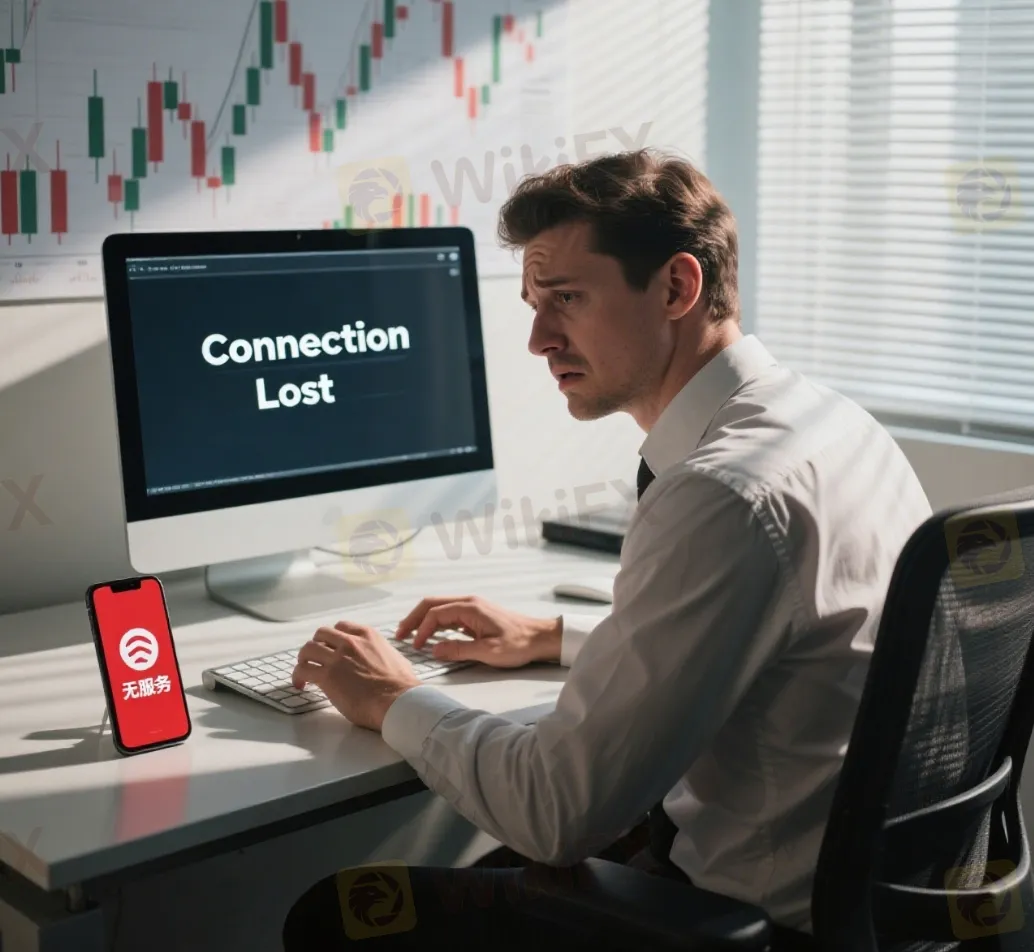
A Forex VPS, or Virtual Private Server, is a dedicated, cloud-based computer designed specifically for trading. Think of it as a private, high-performance computer that lives in a secure data center, often located right next to your broker's servers. It runs 24/7, completely separate from your personal computer, making sure your trading platform never goes down.
This guide will give you a complete understanding of this essential trading tool. We will cover:
- What a Forex VPS is and how it works.
- The important advantages it gives you over other traders.
- How to choose the perfect VPS for your specific needs.
- Advanced tips for setting up and managing your VPS.
Understanding the Forex VPS
To truly understand its value, we need to look beyond the name and understand the technology that powers your trading stability. A Forex VPS isn't just a technical add-on - it's a fundamental change in how you approach the market.
A Computer in the Cloud
Imagine your trading setup is a home office. It works, but it's vulnerable to power cuts, slow internet, family members needing the computer, and hardware failures. A Virtual Private Server is like renting a secure, dedicated office in a high-tech building. This office has backup power, enterprise-grade security, and a direct, lightning-fast fiber optic connection to the financial world. You can access it anytime, from anywhere, but its core operations are protected within that professional environment. That is what a VPS does for your trading platform.
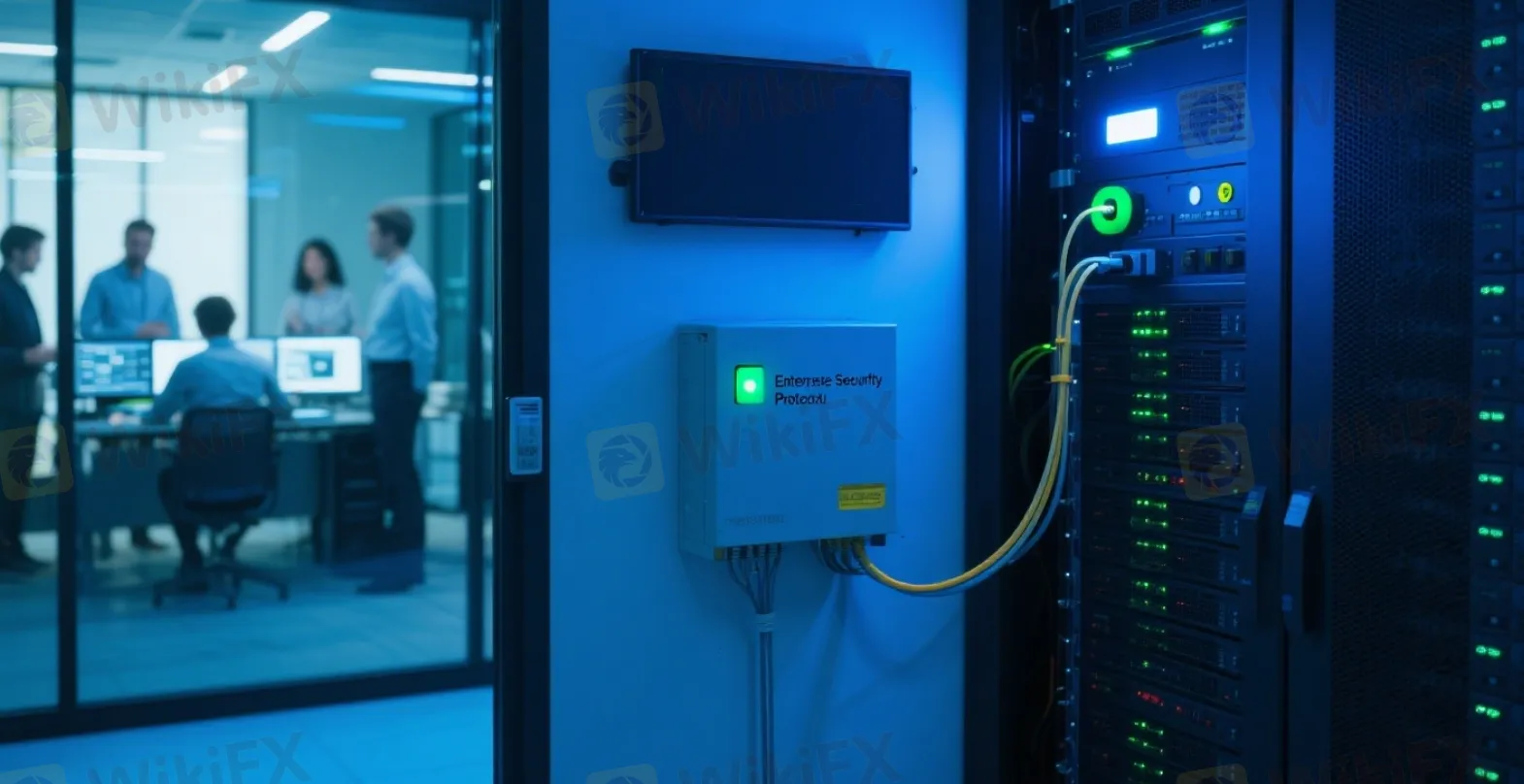
The Trader-VPS-Broker Connection
The process is simple but powerful. Instead of running your trading platform, like MetaTrader 4 or 5, on your local machine, you install it on the VPS. Your connection path changes.
- Step 1: From your home PC, laptop, or even a tablet, you use a Remote Desktop Connection to log into your VPS. It feels exactly like controlling another computer.
- Step 2: Inside the VPS, your trading platform (MT4/MT5) and your automated strategies, or Expert Advisors (EAs), are running.
- Step 3: The VPS has a constant, high-speed, and extremely stable internet connection directly to your broker's trade server.
Once you set up your trades or launch your EAs, you can disconnect from the VPS and even turn your own computer off. The VPS continues to run everything 24 hours a day, 7 days a week, executing your strategy perfectly without any help from you.
The Trader's Competitive Edge
Using a Forex VPS isn't just about convenience - it's about gaining a measurable competitive advantage. Here are the five core reasons why professional traders consider a VPS essential.
1. Trade 24/7 Without Interruption
Automated trading strategies, or Expert Advisors, are not “set and forget” if they run on your home PC. They need to analyze the market constantly, every second of every trading day, to find valid signals. If your computer is off, reboots for an update, or loses its internet connection, your EA is blind. It will miss entry signals and, more importantly, exit signals, potentially turning a profitable trade into a devastating loss. A VPS guarantees 24/7/365 uptime, ensuring your strategy is always active and protecting your capital.
2. Reduce Latency, Reduce Slippage
Latency is the time delay for your trade order to travel from your platform to your broker's server for execution. On a typical home internet connection, this can be 100-200 milliseconds (ms) or more, depending on your distance from the broker. This delay can lead to slippage - the difference between the price you clicked and the price you got. High latency means higher slippage.
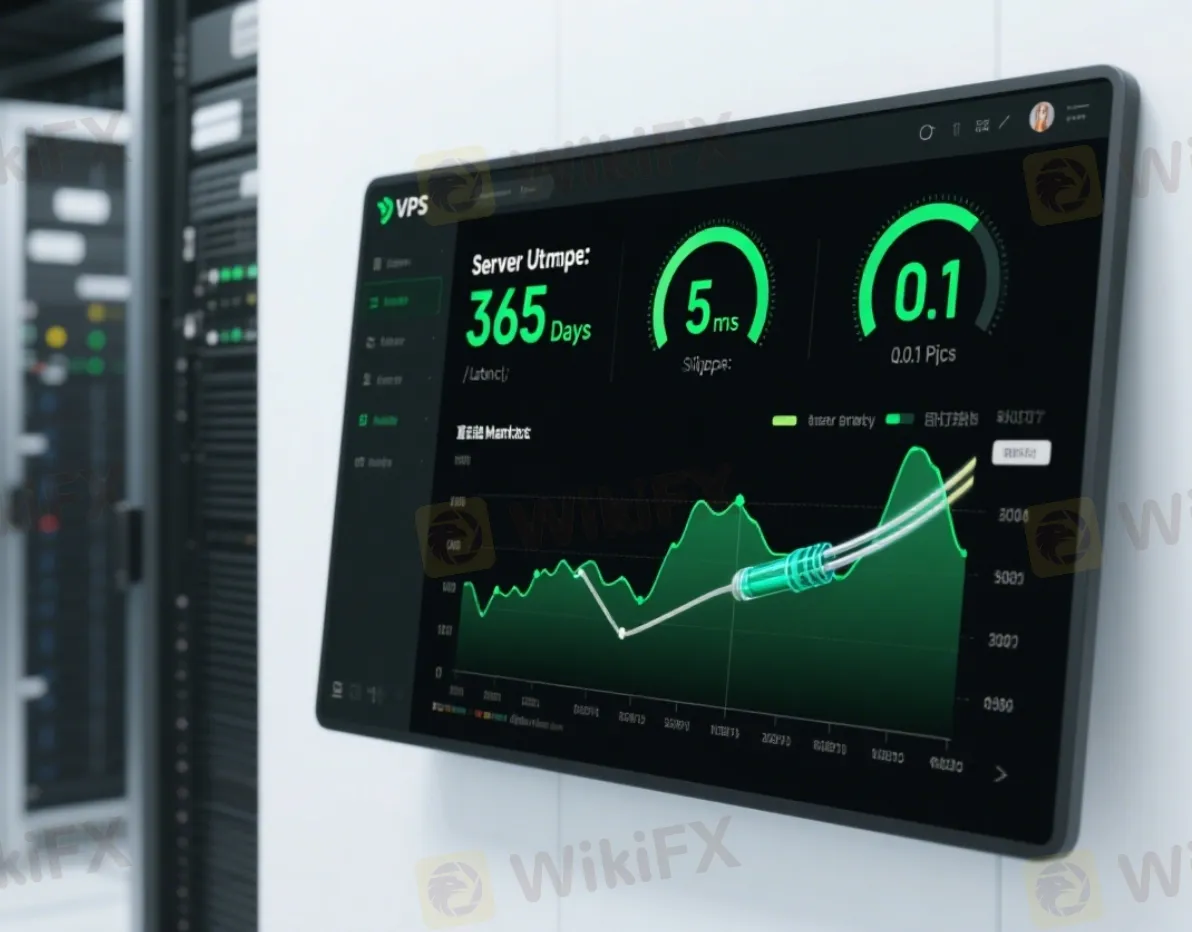
By using a VPS located in the same data center as your broker (e.g., London or New York), you can reduce latency to just 1-5ms. This near-instant execution is critical, especially for scalping or news trading. Consider this: on a 1 standard lot trade of EUR/USD, a single pip of slippage can cost you $10. If a VPS saves you from just a fraction of a pip of slippage on every trade, the savings quickly add up. This means more precise entries and exits, and ultimately, more profit in your account.
3. Strengthen Your Trading Security
Your home computer is a target for viruses, malware, and hardware failures. A system crash or a ransomware attack could not only halt your trading but also compromise your account information. Professional VPS providers operate out of highly secure data centers with backup power supplies, backup generators, strong firewalls, and 24/7 monitoring. This enterprise-level security shields your trading platform from the common risks associated with a personal device, creating a fortress around your capital.
4. Access Platform from Anywhere
A VPS centralizes your trading environment. You are no longer tied to a single desktop computer where your platform is installed. You can securely log into your VPS and manage your trades from your work laptop, a tablet while traveling, or even your phone in an emergency. This flexibility allows you to stay in control of your account no matter where you are, without the hassle of installing and configuring your platform and indicators on multiple devices.
5. Free Up Your Personal Computer
Running multiple instances of MT4/MT5, loaded with complex indicators and EAs, uses a lot of computer resources. It can slow your personal computer to a crawl, making it difficult to perform other tasks. Moving this heavy workload to a dedicated VPS frees up your home PC's CPU and RAM. Your personal machine runs faster, and your trading operations run on a machine optimized for a single, critical purpose: executing your trades.
A Tale of Two Traders
The best way to understand the impact of a VPS is to see it through the eyes of two traders facing the exact same market event.
Meet Alex: Trading from Home
Alex is running a promising scalping EA on his desktop computer. The market is volatile, and his EA has just opened a position on a strong signal. Suddenly, a brief thunderstorm rolls through his neighborhood, causing a momentary power flicker. His PC reboots. By the time he gets it started again, logs into his trading platform, and re-attaches the EA, it's too late. The market has reversed, and the EA missed the crucial exit signal.
A profitable trade that should have closed with a $150 gain is now a $200 loss. Alex is left with immense frustration and the costly thought: “What if my computer had just stayed on?”
Later that week, during a major news release, he tries to manually close a trade. His home internet lags for a split second, and he experiences two pips of slippage, costing him another $80.
Meet Sarah: Trading with a VPS
Sarah is running the exact same EA in the same market. When the thunderstorm hits, her lights flicker, and her internet goes out. She's completely calm. She knows her trading operation is unaffected. Her Forex VPS, located in a secure data center in New York, is running perfectly, completely isolated from her local issues.
Her EA executes the exit signal perfectly at the peak of the move, securing the $150 profit. Later, she logs into her VPS from her phone over the cellular network to check the trade history.
She sees successful trade and feels a sense of security and professionalism. Her system worked exactly as designed, protected from real-world chaos.
The Verdict: Stress to Stability
The difference is clear. Alex faces stress, unreliability, and preventable financial losses. His trading success is at the mercy of his local environment. Sarah experiences stability, peace of mind, and consistent performance. She has treated her trading like a business by investing in professional infrastructure.
| Feature | Alex (No VPS) | Sarah (With VPS) |
| Uptime | Vulnerable to power/internet loss | Uninterrupted 24/7 operation |
| Execution | High latency, risk of slippage | Ultra-low latency, precise fills |
| Security | Exposed to local PC risks | Protected in a secure data center |
| Result | Stress, missed trades, financial loss | Consistency, peace of mind, protected profits |
Choosing Your Perfect VPS
Selecting the right Forex VPS is crucial. It's not about finding the cheapest option - it's about finding the most effective one for your trading style. Follow this 5-step checklist to make an informed decision.
Step 1: Find Your Broker's Server Location
This is the single most important factor for reducing latency. You need to know where your broker's trade servers are physically located. Don't guess. Contact your broker's support directly and ask a specific question: “In which city and data center are your trade servers located?” They will give you an answer like “London, Equinix LD4” or “New York, Equinix NY4.” This information is your starting point.
Step 2: Match the VPS Location
Once you have the broker's server location, your mission is to find a VPS provider that offers servers in that exact same data center, or at the very least, in the same city. The goal is to make the physical distance between your VPS and the broker's server as short as possible. A VPS in London does you little good if your broker's server is in Tokyo. Proximity is everything for achieving that 1-5ms latency.
Step 3: Determine Your Resource Needs
VPS plans are primarily different based on their technical specifications: RAM (Memory), CPU (Processing Power), and Disk Space. Overpaying for resources you don't need is wasteful, but under-powering your VPS can cause freezes and crashes. Use these guidelines:
- Basic (1-2 GB RAM): Ideal for running 1-2 instances of MT4 or MT5 with a handful of charts and simple EAs. This is sufficient for the majority of traders.
- Standard (2-4 GB RAM): Recommended if you plan to run 3-5 platform instances simultaneously, use multiple complex EAs, or have many charts open.
- Advanced (4GB+ RAM): Necessary for power users who run numerous platforms, engage in heavy backtesting directly on the VPS, or use other resource-intensive trading applications alongside MT4/MT5.
For disk space, even a basic 25-30 GB plan is more than enough, as trading platforms are not very large.
Step 4: Check Uptime and Reliability
Look for providers that guarantee uptime. This is usually expressed as a percentage. Understand what it means in practice:
- 99.9% Uptime: Allows for up to 43 minutes of potential downtime per month.
- 99.99% Uptime: Allows for only about 4 minutes of potential downtime per month.
Always aim for a provider offering at least a 99.95% uptime guarantee. Check reviews and look for information on their network infrastructure and redundancy to ensure a stable connection.
Step 5: Evaluate OS, Support, and Price
The operating system (OS) should be Windows Server (e.g., Windows Server 2016, 2019, or 2022), as MetaTrader is a Windows-native application. Mac or Linux-based VPS solutions require extra software and are not recommended for this purpose.
Furthermore, trading doesn't stop, and neither should support. Ensure the provider offers 24/7 technical support, preferably via live chat, so you can get immediate help if you encounter an issue. Finally, while price is a factor, be wary of offers that seem too good to be true. A reliable, low-latency VPS in a premium data center has costs. Stick with reputable providers known for their performance in the trading community.
Your Forex VPS Shopping Checklist
- [ ] Identified broker's server city and data center.
- [ ] Found a VPS provider with servers in the same location.
- [ ] Selected a plan with adequate RAM (start with 2GB if unsure).
- [ ] Confirmed an uptime guarantee of 99.95% or higher.
- [ ] Verified the OS is Windows Server.
- [ ] Confirmed 24/7 live support is available.
Professional VPS Management
Purchasing a VPS is just the first step. Proper management ensures you get maximum performance and security from your investment. These tips go beyond the basics and help you optimize your trading environment like a professional.
Initial Setup Security Checklist
Once you first connect to your new VPS, perform these three actions immediately.
1. Change the Administrator Password: Your provider will issue a default password. Change it immediately to a long, complex, and unique password to prevent unauthorized access.
2. Disable Unnecessary Services: Windows Server comes with many services running in the background that are not needed for trading. Disabling services like “Print Spooler” or “Windows Audio” can free up precious RAM and CPU resources.
3. Configure the Firewall: For maximum security, configure the Windows Firewall to only allow connections necessary for your trading. You can set rules to restrict access to only your home IP address for remote desktop connections, further hardening your VPS.
Performance Optimization for MT4/MT5
Your trading platform itself can use a lot of resources. A few simple tweaks within MetaTrader can significantly improve the performance of your VPS.
- Go to `Tools -> Options -> Charts` and dramatically reduce the “Max bars in history” and “Max bars in chart” numbers. A value of 5000 is more than enough for most EAs to function correctly.
- In the `Server` tab of the Options menu, disable the “Enable news” feature if you don't use it. This stops a constant stream of data from consuming bandwidth and resources.
- Close any charts, indicators, or EAs that you are not actively using. Each open chart consumes memory, and every “tick” of data processed by an indicator uses CPU cycles. Keep your workspace lean and focused on what's essential.
Common Problems and Quick Fixes
Even the best setups can have issues. Here's how to troubleshoot common problems.
| Problem | Solution |
| “My MT4 platform is frozen or lagging.” | Open the Task Manager on the VPS (Ctrl+Shift+Esc). Check the CPU and Memory usage under the “Performance” tab. If usage is consistently at or near 100%, close unnecessary applications or charts. If the problem persists, you likely need to upgrade your VPS plan to one with more RAM or a better CPU. |
| “I can't connect to my VPS.” | First, check your own internet connection. Second, double-check that you are using the correct IP address, username, and password for the Remote Desktop Connection. Third, if you have a firewall, ensure it's not blocking the connection. Finally, contact your VPS provider's support; there may be a network issue on their end. |
| “My EA stopped working after a reboot.” | Some VPS providers reboot their servers for maintenance. Ensure your MT4/MT5 platform is set to automatically start when the VPS boots up. You can do this by placing a shortcut to the platform's `terminal.exe` file in the Windows “Startup” folder. |
The Cost-Benefit Analysis
A common question from traders is, “Is a Forex VPS worth the cost?” To answer this, we must stop viewing it as an expense and start seeing it as a strategic investment in your trading business.
Understanding the Price Range
A reliable Forex VPS typically costs between $10 and $50 per month. The price is influenced by the server's resources (RAM and CPU) and its physical location. Premium data centers like Equinix in London or New York command higher prices due to their superior connectivity and infrastructure, which is precisely what traders need for low latency.
Calculating Your Return on Investment
The ROI of a VPS is measured not just in direct profits, but in prevented losses and improved execution quality.
Consider a simple scenario:
- A mid-tier VPS costs $30 per month.
- If that VPS prevents a single missed trade exit due to a power outage, saving you from a $150 loss, it has already paid for itself for the next five months.
- If its low latency saves you an average of just $3 per day in reduced slippage, that's approximately $60-$66 per month in savings, a 2x return on your investment.
A Forex VPS should be viewed as business insurance, not a hobby expense. It protects your capital, ensures your strategy runs as designed, and provides measurable financial benefits through better execution.
What About “Free” Forex VPS Offers?
Some brokers offer a “free” VPS to attract clients. While tempting, these offers almost always come with strict conditions. It's crucial to read the fine print. Typically, you must meet:
- A high minimum account deposit (e.g., $1,000 or more).
- A minimum monthly trading volume (e.g., 5-10 standard lots per month).
If you fail to meet these requirements in any given month, the broker may charge you for the VPS, sometimes at a higher rate than a dedicated provider, or simply deactivate it, leaving your trades exposed. A free VPS can be a good option if you are a high-volume trader who will consistently meet the requirements. Otherwise, paying for your own VPS provides more control and reliability.
Your Next Step Forward
In this guide, we've journeyed from the basic definition of what is forex vps to the advanced strategies for choosing and managing one. We've seen how it functions as a dedicated, 24/7 trading machine and why its benefits - uninterrupted uptime, ultra-low latency, and enhanced security - are a game-changer for performance.
A Forex VPS is not a magic solution, but it is an essential tool for any serious trader who uses automated strategies or prioritizes flawless execution. It removes the unpredictable variables of your local environment and allows your trading strategy to perform exactly as it was designed.
By investing in the right infrastructure, you are not just buying technology - you are investing in consistency, discipline, and peace of mind - the true foundations of a successful trading career.
Read more
Exnova Exposed: Reports of Failed Deposits & Withheld Withdrawals from Traders
Does your deposit amount fail to reflect in your Exnova forex trading account? Does the same thing happen even when withdrawing? Does the Exnova bonus lure lead to a NIL account balance? Has the broker terminated your account without any explanation? These trading issues have become synonymous with traders here. Some traders have openly criticized the broker on several review platforms online. In this Exnova review article, we have highlighted the miserable forex trading experiences.
FXCM Broker ASIC Stop Order Halts CFD Sales
FXCM Broker ASIC Stop Order blocks new CFD trading for retail clients in Australia due to TMD flaws. Explore FXCM Broker CFD Trading Ban Australia impacts, retail client restrictions, and next steps for traders.
FortuixAgent Review: A Tale of Account Restrictions & Withdrawal Denials
Has your FortuixAgent app for forex trading been restricted? Does the broker not allow you to withdraw your initial deposits? Does the UK-based forex broker demand payment out of your earnings to allow withdrawals? These issues refuse to leave traders, as they come out expressing their frustration on broker review platforms. In this Fortuixagent review article, we have shared many complaints made against the broker.
Is Tiger Brokers Regulated? Investor Protection Guide
Tiger Brokers offers regulated trading in US, HK, SG stocks & futures. SFC-approved in HK (BMU940), FMA in NZ. No min deposit, competitive fees.
WikiFX Broker
Latest News
Identity Theft in FX: FCA Flags New 'Clone' Broker Mimicking Fortrade
WikiFXOron Limited Regulation: A Complete 2025 Review of Its License and Safety
WikiFXThe Problem With GDP
WikiFXPolymarket Launches First U.S. Mobile App After Securing CFTC Approval
WikiFXThailand Seizes $318 Million in Assets, Issues 42 Arrest Warrants in Major Scams Crackdown
WikiFXRM460,000 Gone: TikTok Scam Wipes Out Ex-Accountant’s Savings
WikiFXThe "Balance Correction" Trap: Uncovering the Disappearing Funds at Vittaverse
WikiFXAdam Capitals Review 2025: A Detailed Look at an Unregulated Broker
WikiFXNordFX.com Review Reveals its Hidden Negative Side- Must-Read Before You Trade
WikiFXTauro Markets Review: Tons of Withdrawal Rejections & Trading Account Terminations
WikiFXRate Calc

